
Non US-based operators can now customize the KYC verification documents their customers are required to upload. You can show, hide, and rename the secondary and additional documents to match your local requirements.
Why this matters:
Document requirements vary from country to country. Renaming the documents lets your customer see exactly what you need, in the terms they're familiar with.
The three available document options:
- Photo ID - Required for all customers. This document is mandatory, it can't be renamed or turned off.
- Secondary document - Defaults to Proof of Address. Can be renamed or turned off.
- Additional document - Defaults to Other. Can be renamed or turned off.

How to rename a document:
- Head to your Business Settings.
- Navigate to the General settings tab.
- Scroll down until you find the "Customer Verification" section.
- Click on the Secondary or Additional document in order to rename them:
- Save your changes.
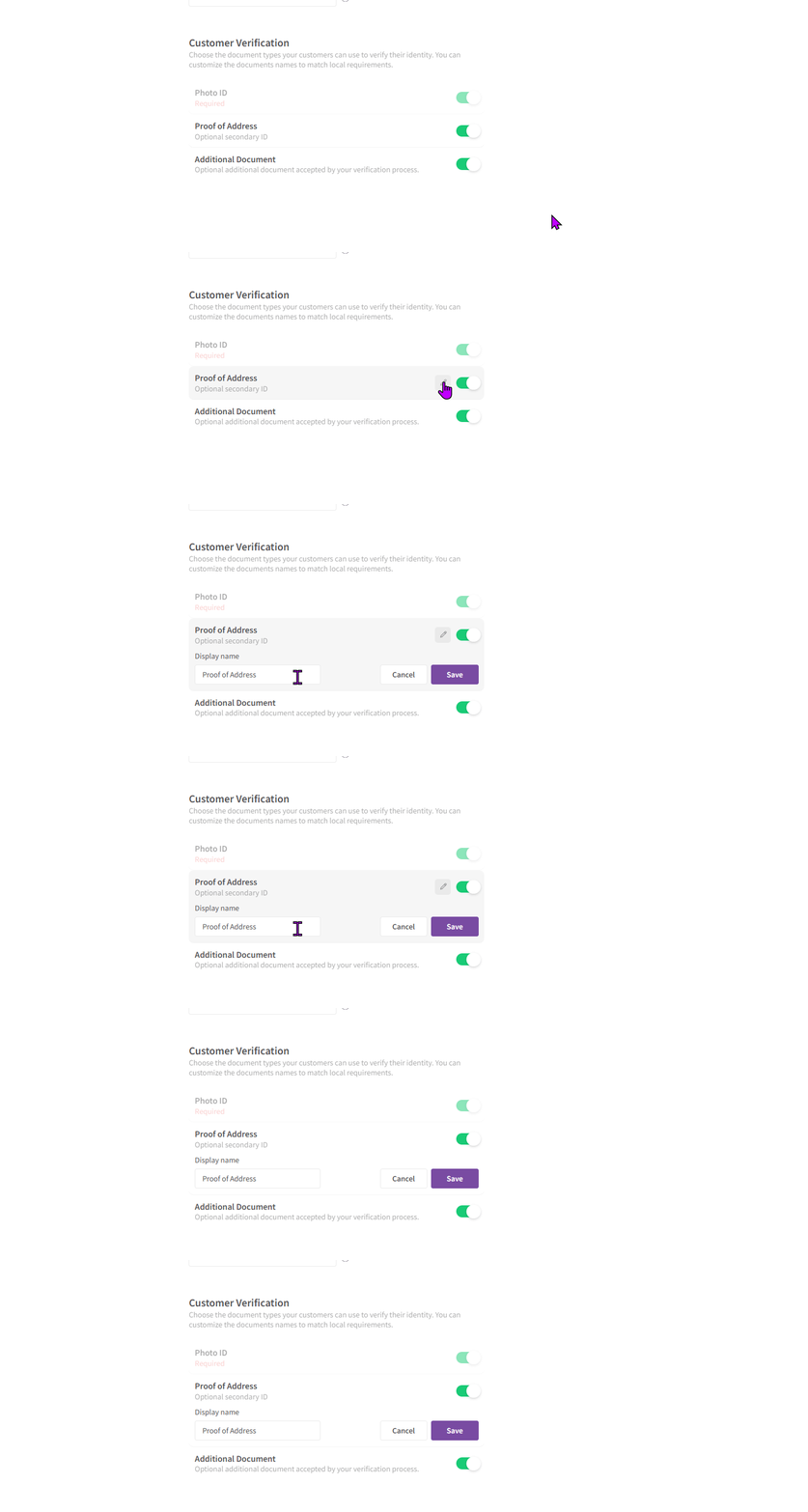
The new name will be updated across your account.
How to hide a document:
- Head to your Business Settings.
- Navigate to the General settings tab.
- Scroll down until you find the "Customer Verification" section.
- Use the toggle next to the secondary or additional document to turn it off:
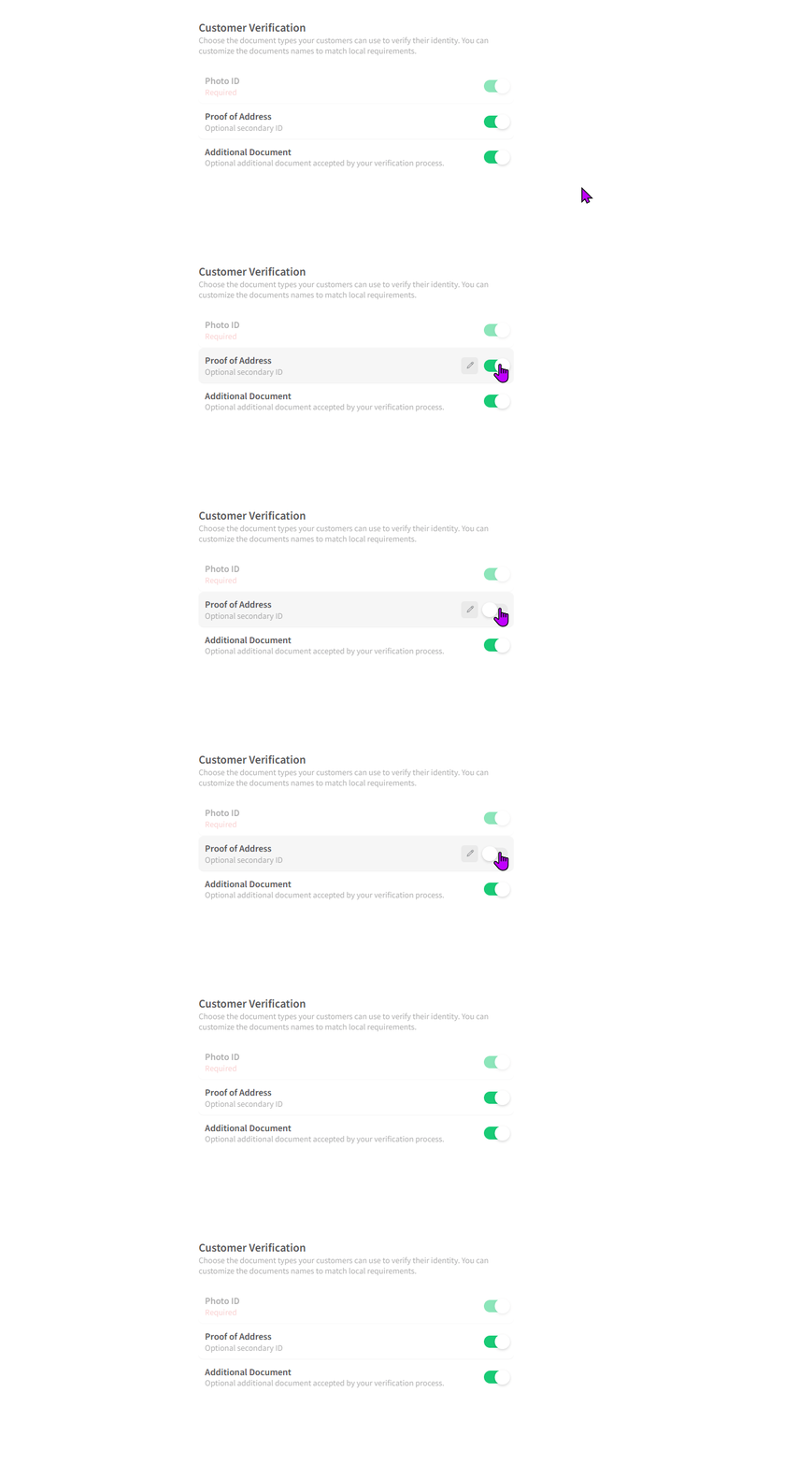
Please note:
- Photo ID is mandatory and will always be shown.
- Previously, the document names were fixed as Photo ID, Utility Bill, and Other.